
Themes
The board is light or dark out of the box and follows your system. If you would rather it matched your editor and terminal, it takes a theme: two are built in, more are a download away, and your own is a short JSON file.
Built in
Section titled “Built in”One line in the config.
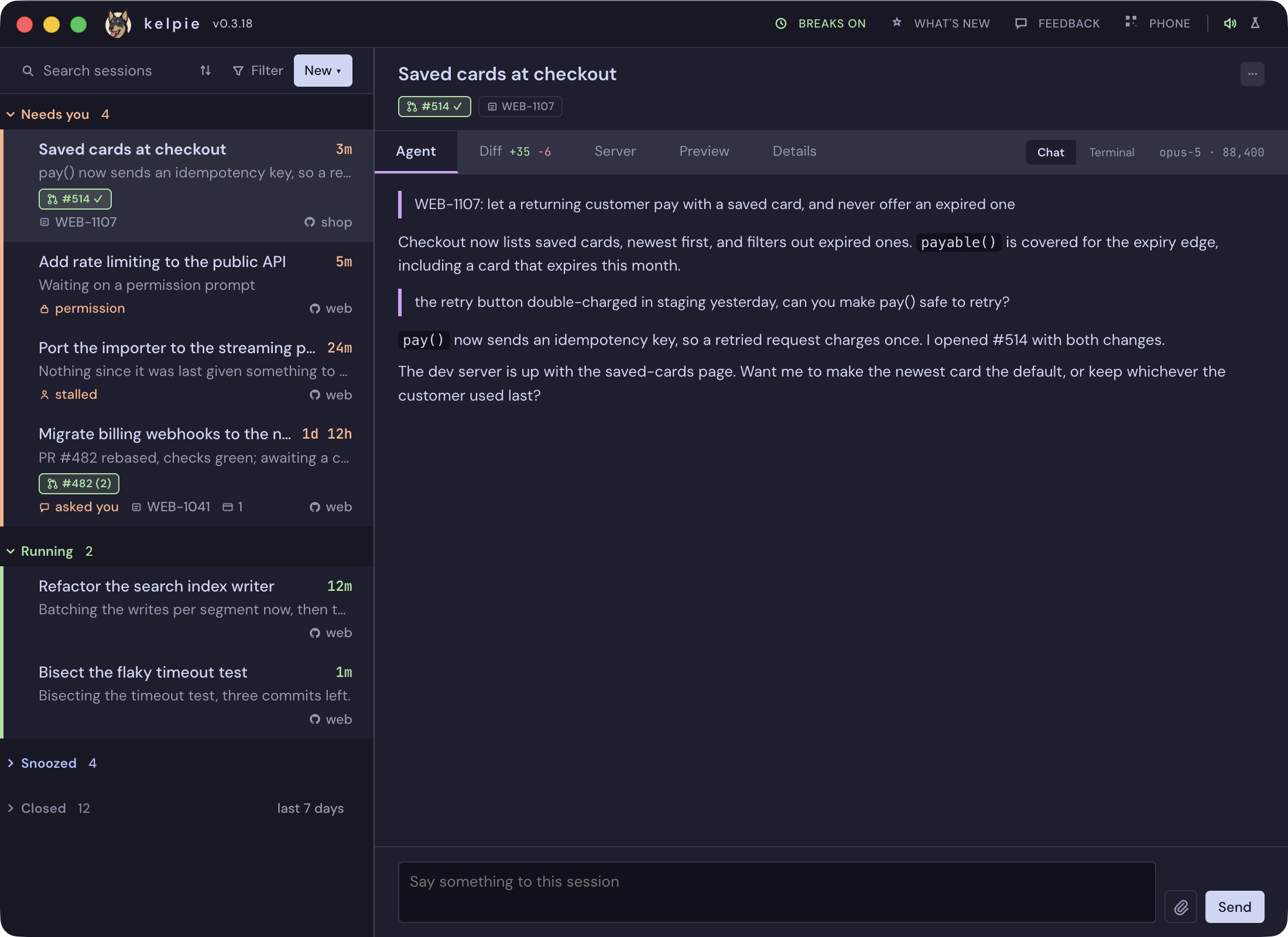
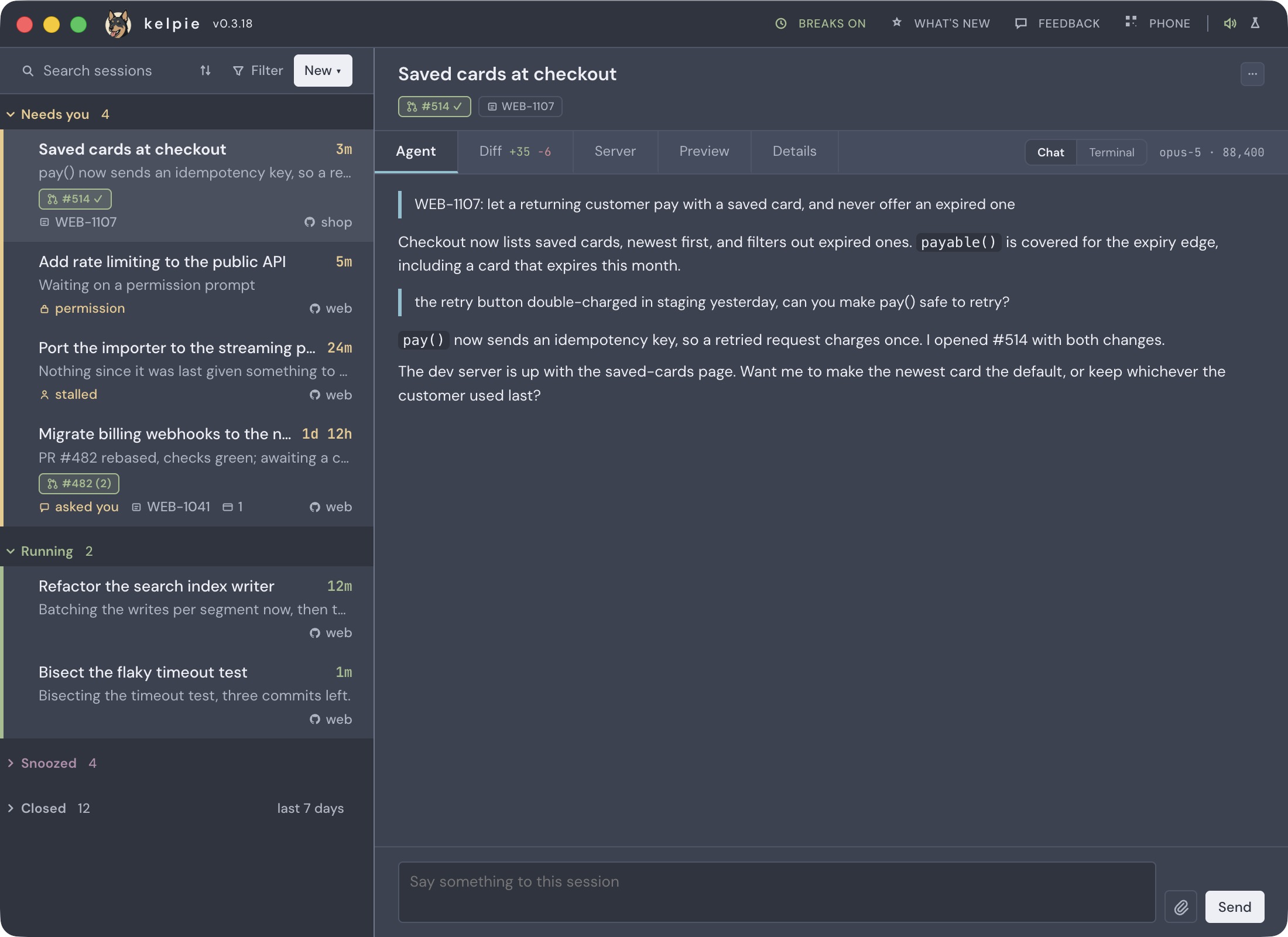
Put the name in ~/.config/kelpie/config.json:
{ "theme": "catppuccin"}"nord" is the other. The theme colours the whole board: the session list, the Chat tab, the
Terminal view’s sixteen ANSI colours and the Diff tab’s added and removed lines. While a theme is
set, the light and dark button in the masthead is hidden, since the theme decides. Set "theme"
back to "" to return to the board’s own light and dark.
To download
Section titled “To download”A file you save, and a path in the config.
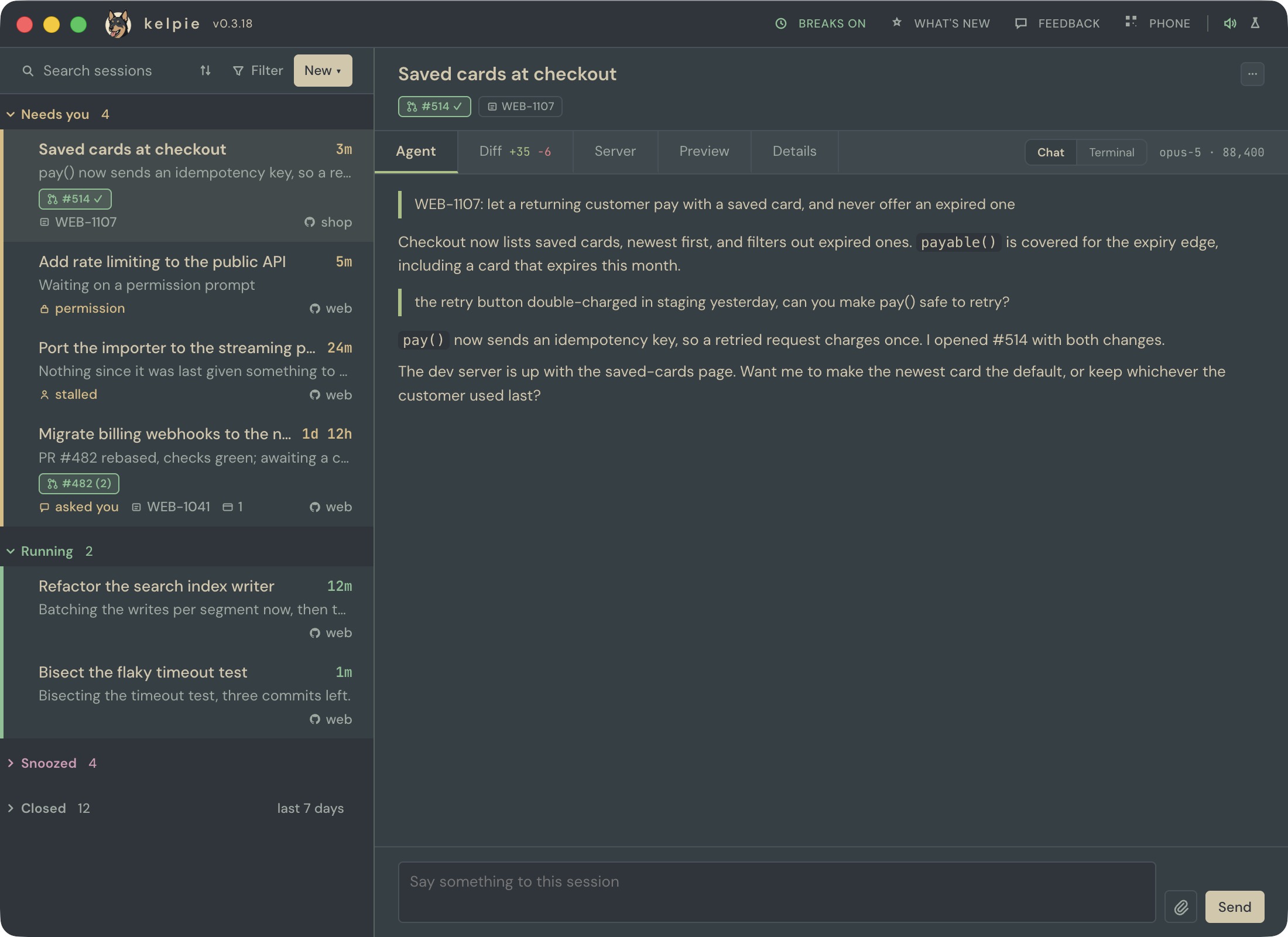
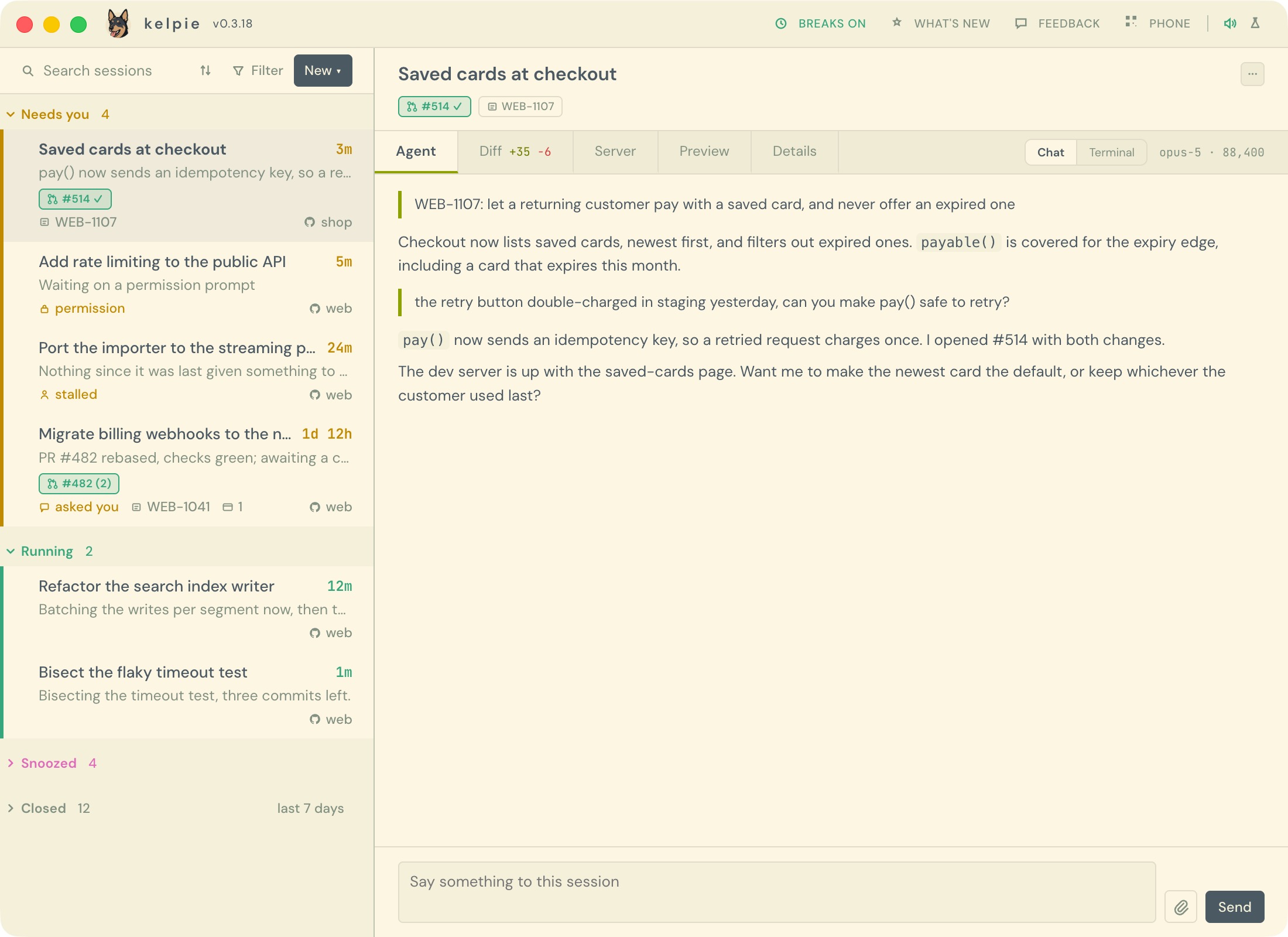
Save one next to your config and point theme at it:
{ "theme": "~/.config/kelpie/everforest.json"}Everforest is the palette by sainnhe, MIT licensed. These files work in any version of kelpie that takes a theme, and you can edit them like your own.
Your own
Section titled “Your own”A theme is a JSON file with a base of "light" or "dark" and a colors object. The base
supplies every colour the file leaves out, so a theme can be three lines or forty:
{ "base": "dark", "colors": { "ground": "#1e1e2e", "accent": "#cba6f7", "s-needs": "#fab387" }}Save it anywhere and point theme at the path, ~ included. An open board applies a change to
the theme file, or to which one theme names, within a second and without a reload. Colours are
hex (#rgb to #rrggbbaa) or rgb() and rgba(). A file kelpie cannot use, whether bad JSON, a
missing base or a value that is not a colour, is ignored as a whole, and the board names the
problem as a setup check instead of drawing half a theme.
The quickest start is a built-in one, which carries every name below: catppuccin.json or nord.json.
The colour names
Section titled “The colour names”| Name | What it colours |
|---|---|
ground, surface, surface-2 |
The page, the panels and rows on it, and what lifts off those: hovered menu items and options. |
ink, ink-soft, muted |
Titles, body text, and the quiet text: times, repo names, hints. |
rule, rule-soft, edge |
Dividers, the fainter ones inside menus and lists, and the strongest lines, like the masthead’s separators. |
accent, accent-soft |
Links, the selected tab and focus; the soft one tints notices and hovered chips. |
s-needs, s-running, s-snoozed, s-closed |
Each group’s colour: its heading, its row stripe and its state chips. Each has a -bg twin for its tinted background. |
s-fail |
Failing checks, refusals, and a dev server that has stopped. |
term-ground, term-ink, term-0 … term-15 |
The Terminal view: its background, default text, and the sixteen ANSI colours in the usual order, black to bright white. |
diff-add-bg, diff-add-ink, diff-add-gutter |
Added lines in the Diff tab: the line, its text and the line-number gutter. |
diff-del-bg, diff-del-ink, diff-del-gutter |
The same for removed lines. |