The board
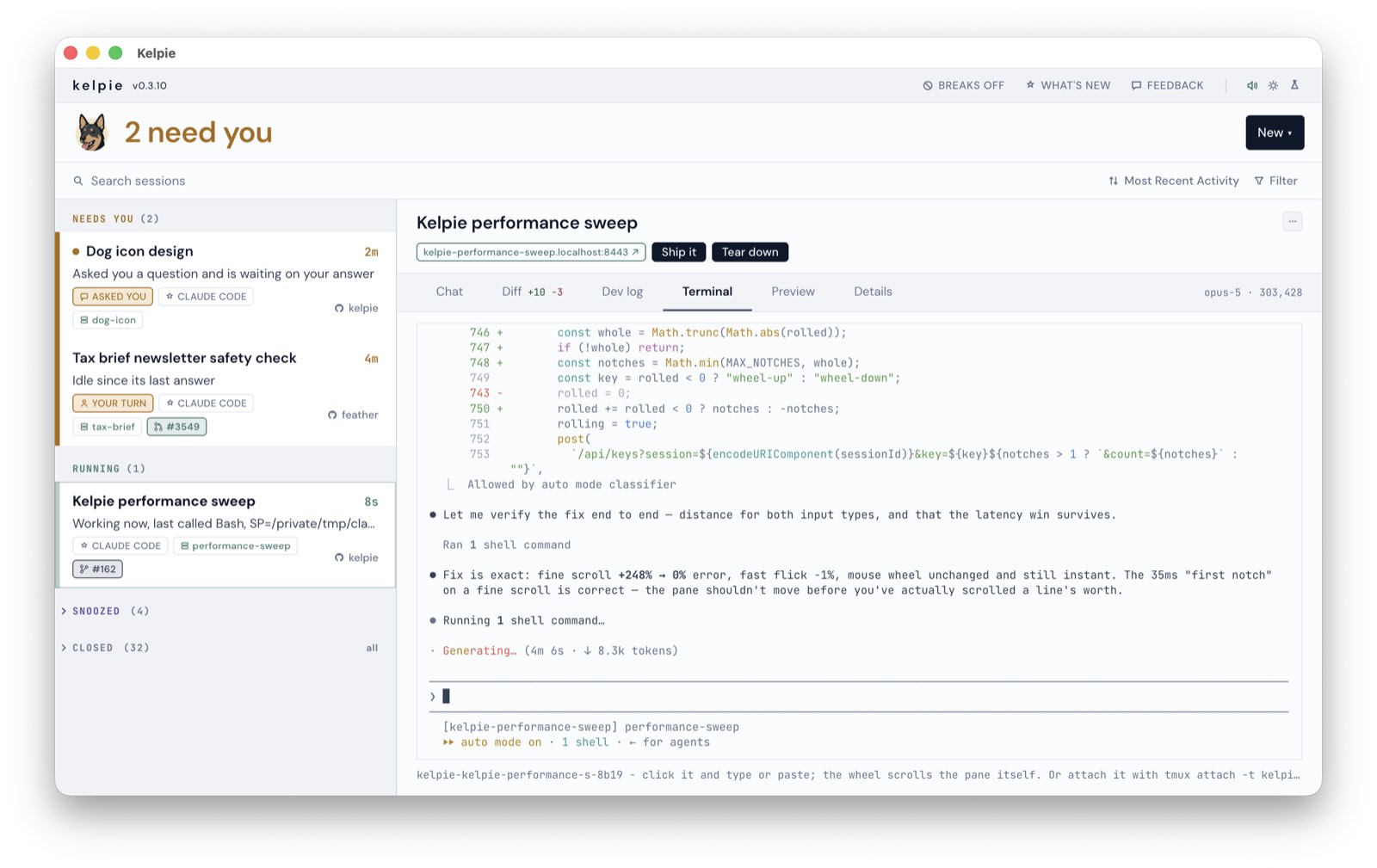
Every row is a session, whichever agent wrote it, grouped by what it needs from you.
The list
Section titled “The list”- New starts a session in a repo you already work in: a chat, a whole feature on its own branch, or a review of someone’s pull request. Pick the agent at the top; kelpie finds the repos, and their worktrees, itself.
- Needs you is anything that asked you a question, is waiting on a permission, stalled, or went quiet, each said in words, with a dot on anything that started waiting since you last looked.
- Running shows what the agent last told you, and how long it has been at it since your last message.
- Snoozed and Closed: snooze one and it waits its turn. Closed folds to the last seven days and is still reachable: say something to one and it comes back, or fork it.
- Chips on a row are its pull request, coloured by its build while it is open (checks green or red, unresolved threads in brackets, a tick when GitHub says it is ready), then its ticket and any published artifacts.
- phone, in the masthead, shares the board with your phone.
The tabs
Section titled “The tabs”Click a row to open it. Drag a tab to reorder it, or onto a pane’s edge to split it.
- Agent is the conversation. Chat takes your reply, the question’s own buttons, a pasted image or any file, and stops a session mid-turn. Terminal is the real tmux pane, in your theme.
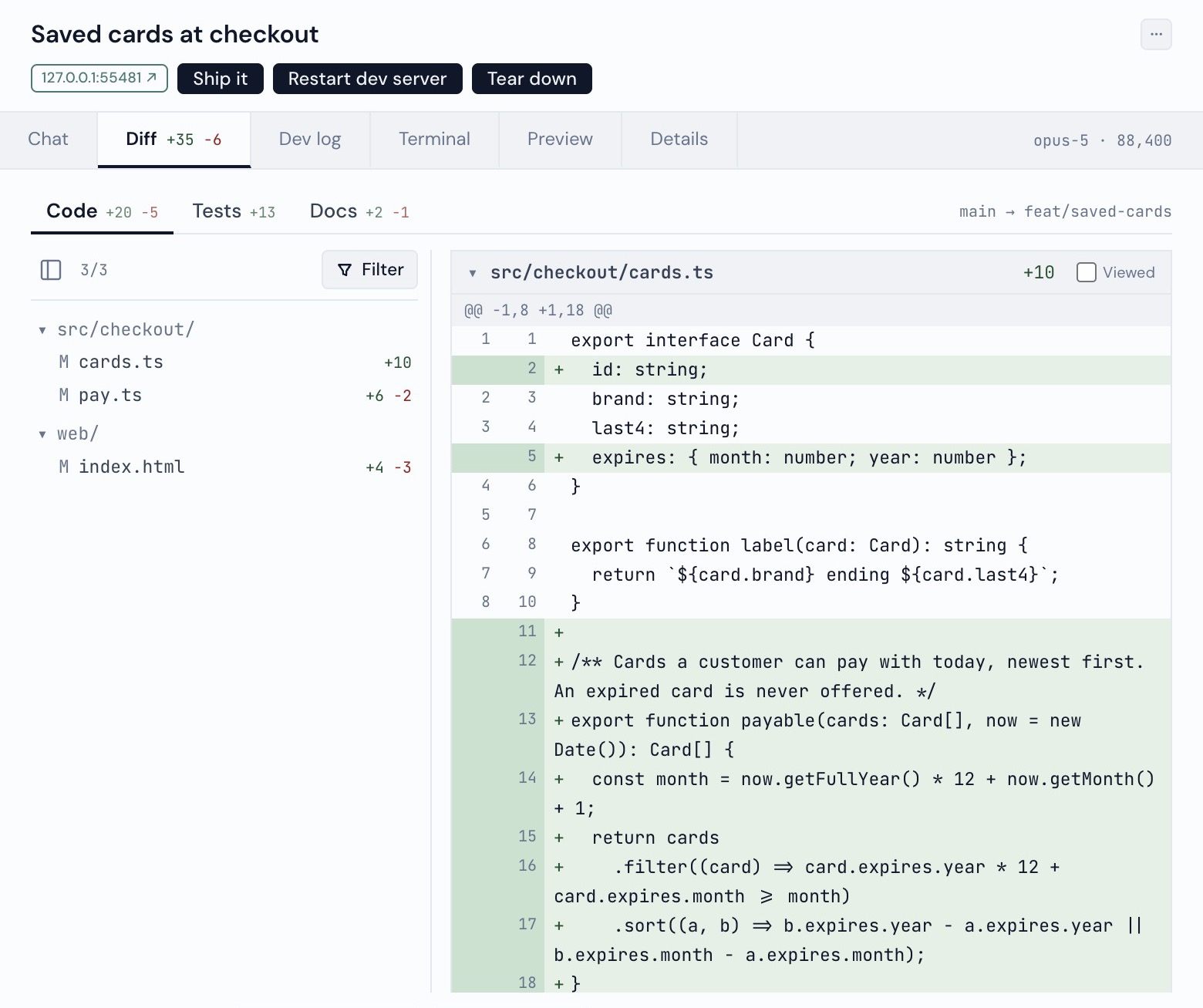
- Diff is the branch against its base, split into code, tests and docs, with line comments that go back to the session as one review.
- Server is a feature’s dev log, with Restart and Stop.
- Preview is the feature’s running app inside the board, with a toolbar for drawing a box around what is wrong.
- Details is the session’s facts: its repo and branch, model, permission mode and age.
- Search through every conversation on disk, best match first.
- Filters for sessions with a pull request or a running dev server.
- Light and dark, or a theme.
- A break nudge off your desktop’s own idle counter.
- Setup checks that name the command that fixes them: see When something is wrong.